

What you get
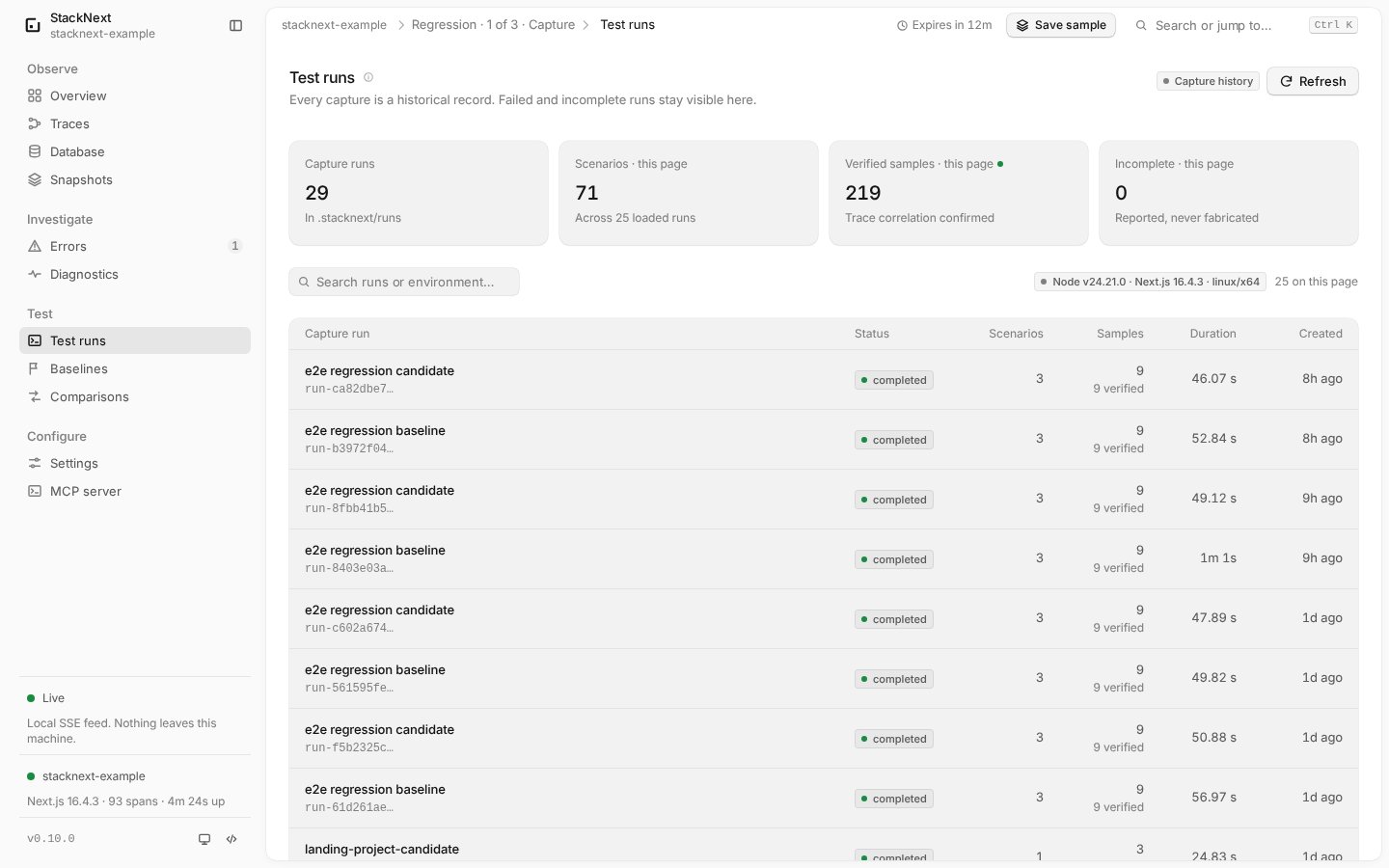
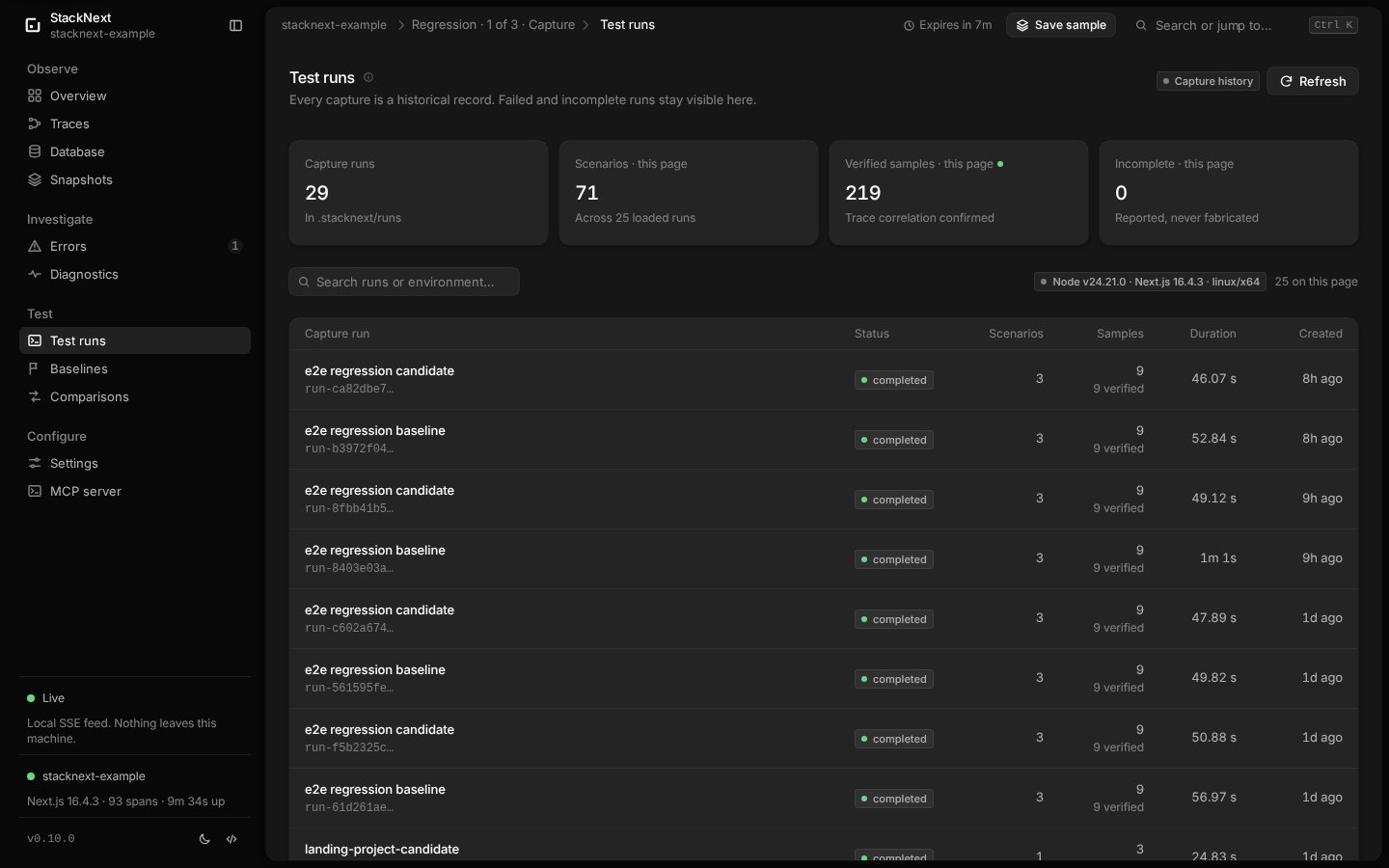
- Capture runs — Playwright scenario identity, browser result, verified server traces, span/query/error evidence and environment facts.
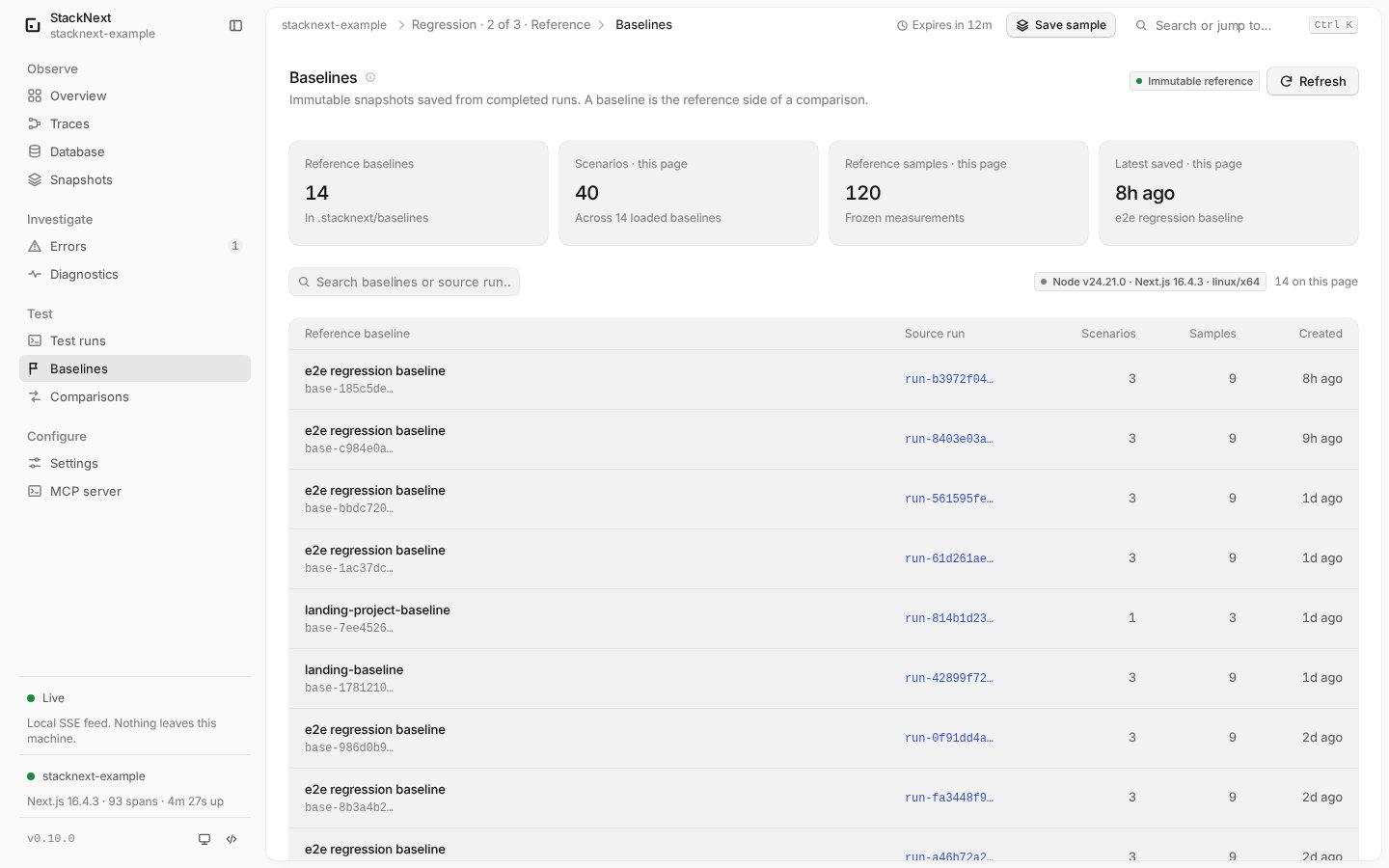
- Baselines — immutable saved snapshots of a completed capture run.
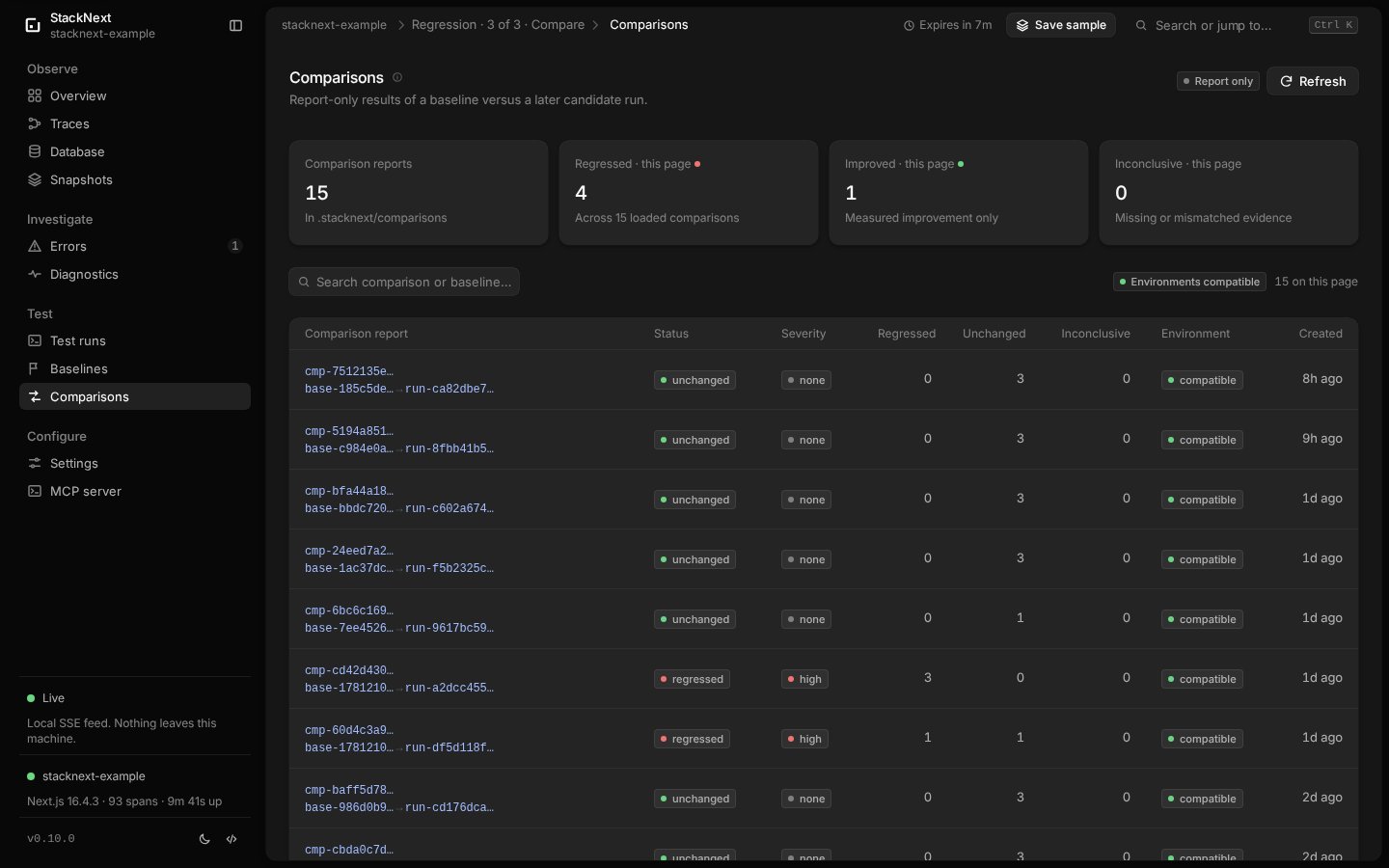
- Comparisons — deterministic baseline/candidate classification with per-scenario reasons, metrics, severity and environment differences.
- Three access paths — CLI, dashboard (
/runs,/baselines,/comparisons) and six read-only MCP tools. - Report-only by default — CI fails only when
--fail-onmatches.
.stacknext/
directory.
Requirements
- Next.js 15 or 16 App Router on the Node.js runtime, with StackNext instrumentation working.
- Node.js 20.9 or newer.
stacknext devrunning for the normal capture workflow.@playwright/test1.40 or newer for the fixture package.- Playwright browsers installed (
pnpm exec playwright install). - One Playwright worker while correlation is verified per request. Use
--workers=1; do not enable parallel workers for captured runs.
playwright test outside stacknext capture remains an ordinary browser test.
Workflow
1. Start the app through StackNext
2. Instrument the scenarios
Add the fixture and a stable scenario annotation. See Playwright integration for the full setup.3. Warm the routes
The first request to a route can emit one-time framework spans such asload route module. Warm the app before capturing a baseline, or those spans
may appear only on one side and make the comparison inconclusive.
4. Capture a baseline run
--repeat-each=3 produces three
samples for each test and is the recommended starting point.
5. Save the baseline
completed run with at least one verified sample can become a baseline.
A failed, interrupted or incomplete run is refused.
6. Change the app and capture a candidate
7. Compare
compare saves the comparison under .stacknext/comparisons/ by default. Use
--no-save for a dry run or --fail-on regression for CI.
Scenario identity
A scenario id isscn- plus a 16-character SHA-256 prefix. Identity is chosen
in this order:
- an explicit
stacknext*Playwright annotation description; - Playwright’s stable test id;
- file, title and project name.
example.overview. A changed
annotation is a new scenario and has no baseline.
Trace and span identities are also stable and id-free. They use normalized
method, route, span name, category, kind and Next.js span type. Numeric,
UUID-like, hex-like and long token-like path segments become :id. Trace ids,
span ids and timestamps are never matching keys.
Correlation
The fixture injects a fresh W3Ctraceparent into browser document, fetch and
XHR requests to the app. The collector must return the trace, and at least one
server span must name the injected span id as its parent. Only then is the
sample verified.
A sample is incomplete when a submitted trace is missing, has no spans or
does not prove that parent relationship. StackNext never fills the gap from a
time window or a “nearby” trace. Incomplete samples are stored and reported;
they force the affected comparison to inconclusive.
Baselines
A baseline is an immutable snapshot of a completed capture run. It records the scenario identities, verified samples, redacted telemetry, environment facts and statistics that a later candidate run is compared against. A baseline is not a live view of the collector and it does not follow changes to the app.Create a baseline
From the app directory, withstacknext dev running:
- the run id must match
run-[0-9a-f]{16}; - the run must exist under
.stacknext/runs/; - the run status must be
completed; - the run must contain at least one verified sample.
base- id, so saving the same run twice produces two
independent baseline records. Deleting a baseline is a separate, explicit
baseline remove --yes operation.
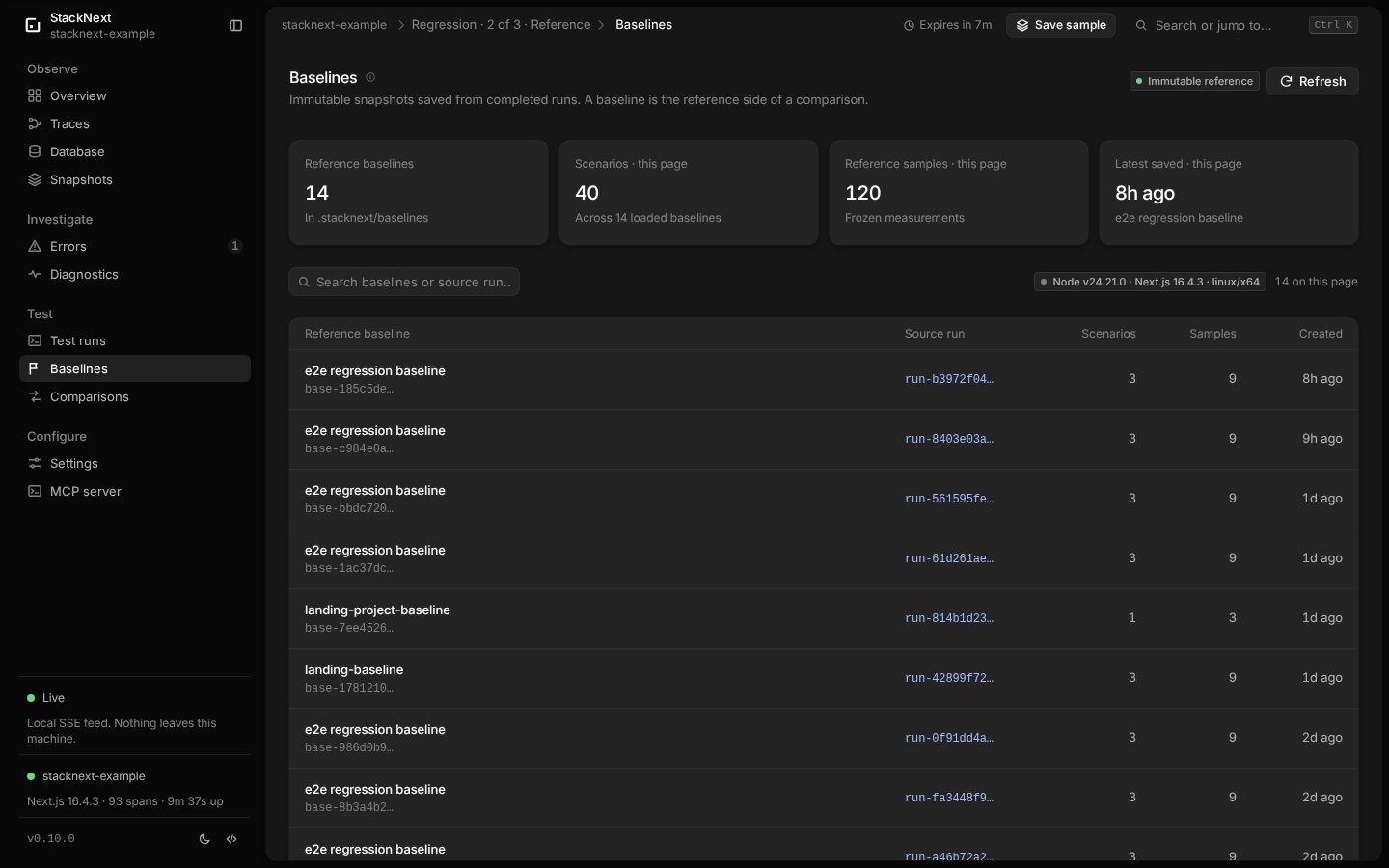
Inspect baselines
/baselines and /baselines/:id.
Lifecycle and retention
- Baselines are not pruned. There is no retention timer and no automatic cleanup. A baseline stays until it is explicitly removed.
- Comparisons are not pruned either. Removing a baseline does not remove comparisons that reference it.
- A removed baseline cannot be compared again. Existing comparison records remain readable as history.
- No baseline is created implicitly. A capture run is not a baseline until
baseline savesucceeds.
--yes is mandatory and removal is permanent. Copy the JSON file outside
.stacknext first if you still need it as a reference.
Sharing and portability
A baseline is portable only when the environment matches the candidate. The environment comparison checks:- Node.js version;
- Next.js version;
- platform and architecture;
- runtime (
nodejs); - enabled database adapters;
- verbose tracing, fetch capture and error capture flags;
- SDK version;
- Playwright version;
- project name.
--ignore-environment can compute a result anyway, but it reports a warning and
does not make the environments equivalent. For CI, store the baseline as a
controlled artifact or copy it into the workspace at a known step. Never rely on
a developer’s local .stacknext directory being present on the runner.
Comparison methodology
A comparison consumes a saved baseline and a candidate run and produces a deterministic report. It never changes either input.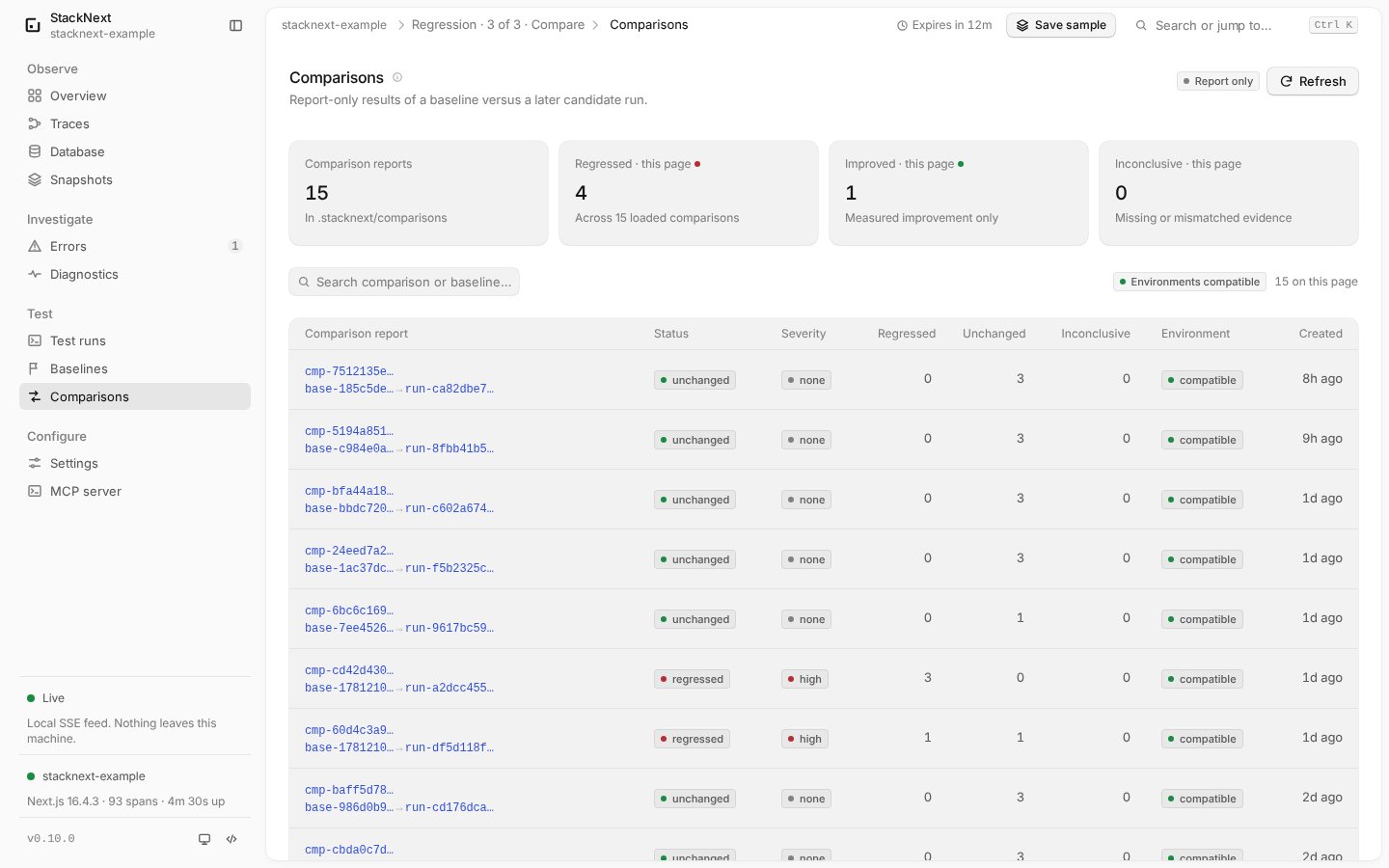
Inputs and matching
Scenarios match by stable scenario id. Traces, spans, queries and findings match by normalized keys, never by ids or timestamps. A scenario that exists on only one side makes the comparison inconclusive. A changed trace key set, variable trace shape within one side or a changed span shape is reported and normally makes that scenario inconclusive.Samples and environment
The default minimum is three verified samples per side and per metric. A failed, skipped, timed-out or interrupted sample without verified telemetry is incomplete and blocks a verdict. Environment differences are compared before metrics; see sharing and portability.Duration and count classification
Durations use medians and must cross both an absolute and a percentage threshold. Counts use a minimum increase.
A duration regression must cross both the absolute and percent thresholds. When
the baseline median is zero, only the absolute threshold applies. Null query
durations remain unmeasured: a duration metric with null evidence is
inconclusive, not an improvement or regression.
Status and severity
What comparisons do not claim
Comparisons use medians and explicit thresholds. They do not compute p-values, confidence intervals, effect sizes or statistical significance, and they do not prove causality.unchanged means no configured threshold was crossed in this
sample, not that no change occurred. improved is not automatically good:
fewer spans or queries can mean missing instrumentation or skipped work.
Run status and exit codes
stacknext capture preserves the child’s exit code. If the child succeeds but
the saved run is not completed, it exits with code 3. SIGINT maps to 130
and SIGTERM to 143. This makes “tests passed but telemetry was not captured” a
CI failure instead of a silent pass.
Capture modes
Without--url, capture attaches to the project’s live stacknext dev
runtime. If none is running, it starts an ephemeral loopback collector for the
duration of the child command. The child receives the collector URL, token and
run id in its environment, so a test command that starts the app itself can
still produce correlated telemetry. --attach refuses to fall back to an
ephemeral collector.
--quiet --json for machine-readable output. Child stdout is forwarded to
stderr in JSON mode so stdout stays valid JSON.
CLI reference
run-<16 hex>, base-<16 hex> and
cmp-<16 hex>. Invalid ids fail before reading storage. --fail-on is the only
CI gate; without it, comparisons are report-only.
Storage
Records are written by the CLI, not by the collector:0700; records use mode 0600. Writes use a
temporary file and a hard link so a partial record is never visible. Existing
records are not overwritten unless the code path explicitly requests it. Each
record is capped at 16 MiB and validated with a strict versioned Zod schema on
read. Records are never uploaded and never pruned automatically.
Dashboard and MCP
Six read-only MCP tools expose the same records:
stacknext_list_test_runs/stacknext_get_test_runstacknext_list_baselines/stacknext_get_baselinestacknext_list_comparisons/stacknext_get_comparison
Privacy
Capture stores only the same redacted evidence used elsewhere: scenario titles, files, routes, span names, redacted error text, normalized SQL shapes, timings, findings and sanitized environment facts. Command arguments are redacted and local account paths are shortened to~. Request/response bodies, headers,
cookies, URL query values and SQL bind parameters are still never captured.
Playwright screenshots, videos and trace archives are not read or stored.
Regression records are local files, not in-memory telemetry. Review a record
before sharing it; see privacy.
Limitations
- Playwright is the only supported scenario runner. Sequential workers are required until parallel correlation has been verified.
- A capture is tied to one local app and collector. There is no distributed tracing, remote runner or hosted history.
- Comparisons use medians and explicit thresholds. They are not statistical significance tests and do not prove causality.
- Null durations remain unmeasured. Drizzle query durations cannot be compared as if they were zero.
- Environment differences force
inconclusiveby default. Compare baselines from the same Node.js, Next.js, OS, database and instrumentation setup. - Record retention is manual. Runs, baselines and comparisons are never pruned.
capturerecords telemetry only for requests the fixture or other capture code submits. Browser activity without the fixture is not correlated.- Playwright retries and
repeat-eachare recorded, but retries are not a substitute for stable scenarios.